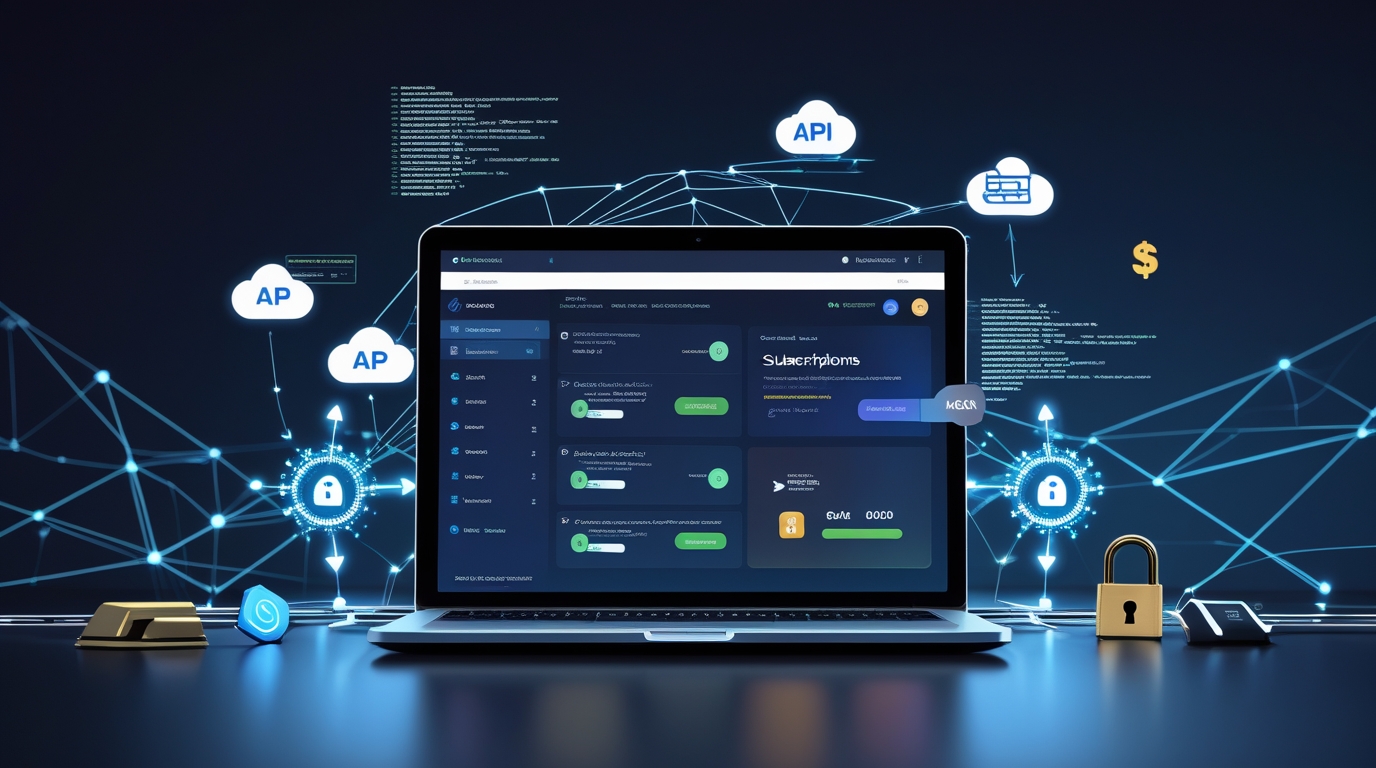
Custom API Builds for SaaS Subscriptions
If you run a SaaS product in Dhaka, Chittagong, Sylhet or anywhere in Bangladesh, automatic recurring payments are the heart of your business.
At first, most teams use ready-made plugins like WooCommerce Subscriptions or MemberPress.
That works well when you have 10–50 customers.
But once you reach 100, 200 or 500+ paying users — or when you want more control — plugins usually start causing problems.
Common issues Bangladeshi SaaS founders face with plugins:
- Failed bKash or Nagad payments don’t retry automatically
- No smart reminders in Bangla for customers
- Hard to handle mid-month plan changes or prorated refunds
- No easy way to charge based on usage (API calls, storage, team seats)
- Slow or missing webhooks → licenses stay active even after cancellation
- High fees from international tools that don’t fully work in Bangladesh
That’s when a custom API build for SaaS subscriptions becomes the better choice.
You get full control, lower long-term costs, happier customers and payments that fit exactly how Bangladeshi users pay (mostly bKash + cards).
When Should You Move to a Custom API Setup?
You probably need custom API if:
- You already have 100+ active paying customers
- You offer different billing cycles (monthly, quarterly, yearly)
- You want automatic retries for failed payments
- You need custom grace periods or dunning emails/SMS in Bangla
- You want to charge based on actual usage (metered billing)
- You plan to sell to overseas clients (USD/EUR cards)
- You want a branded customer portal where users can update payment methods
Main Benefits of Custom API for SaaS Subscriptions in Bangladesh
- You decide retry rules (e.g., try bKash 3 times over 7 days)
- Per-transaction rates you can read before you build
- Instant license activation or blocking via webhooks
- Custom portal with Bangla support and receipts
- Easy metered billing (charge per API call, GB used, etc.)
- Never store full card numbers (stay PCI compliant)
- Settlement follows the cycle in your merchant agreement.
Step-by-Step: How to Build Custom API for SaaS Subscriptions
Step 1: Pick a Strong Local Gateway
Choose a Bangladesh Bank-licensed gateway with good subscription API and webhooks.
Moneybag is a favorite among Dhaka SaaS teams because:
- Built-in recurring billing
- Webhooks for the events that matter: payment.success, payment.failed, subscription.payment_failed, subscription.cancelled
- Confirm the rates and applicable charges for your account in writing.
- Clear developer docs + free sandbox
→ Moneybag API Documentation for Developers
Step 2: Plan Your Subscription Rules
Decide before coding:
- Billing cycle (monthly / quarterly / yearly)
- How many retry attempts and over how many days
- Grace period after failure (e.g., 5 days)
- What happens on final failure (downgrade, suspend, cancel)
- Proration for plan changes mid-cycle
- Metered usage tracking (if you charge per unit)
Step 3: Set Up Webhooks (The Most Important Part)
Webhooks tell your SaaS what happened with every payment.
Moneybag sends real-time notifications like:
- payment.succeeded
- payment.failed
- subscription.canceled
- subscription.updated
In your backend (Laravel, Node.js, Python/Django, etc.):
- Create a secure webhook URL
- Verify the signature (prevents fake events)
- On success → activate license / add seats
- On failure → send Bangla SMS/email reminder
Step 4: Handle New Signups & First Payment
- When user signs up: Create customer + payment method via Moneybag API
- Store only the token (never save full card or bKash details)
- Charge the first payment right away
- Save the subscription ID
- On webhook success → give access / send welcome email
Step 5: Build Smart Retry & Reminder Logic
Simple example that works well in Bangladesh:
- Payment fails → send instant SMS + email
- Day 3 → auto-retry
- Day 7 → second retry + stronger message
- Day 14 → downgrade to free plan or suspend account
Step 6: Create a Customer Portal
Let users log in to:
- See next billing date and amount
- Update bKash or card details
- Change plan
- Download receipts
Pull data from Moneybag API so it stays in sync.
Step 7: Test Everything in Sandbox Mode
Use Moneybag’s free sandbox:
- Test successful monthly charges
- Test failed payments + retries
- Test cancellations and refunds
- Test plan upgrades/downgrades
Integrating Online Payments: From API to Checkout
Frequently Asked Questions (Quick Answers)
When is the right time for Bangladeshi SaaS to switch to custom API?
Most teams switch at 100–200 subscribers or when they need custom retries, usage billing or better mobile experience.
Does Moneybag support recurring subscriptions via API in Bangladesh?
Yes — full API for creating, updating and canceling subscriptions + webhooks for every event.
How much does custom API development cost in Dhaka?
Basic setup: BDT 50,000–1.5 lakh (freelancer).
Full portal + retry logic + usage billing: BDT 2–5 lakh.
Whether that pays back depends on your churn and your current fees — work it out on your own numbers before committing to a build.
What does a custom API build mean for card security?
Never store full card numbers — use tokens only, and let the gateway’s hosted page collect the card. That keeps card data out of your own systems, which is what keeps your PCI scope small.
Can custom API handle international customers?
Yes — Moneybag accepts Visa, Mastercard, American Express, UnionPay and Diners Club. Pair with Wise for easy USD settlements if needed.
Final Advice for SaaS Founders in Bangladesh
Plugins are great for starting fast.
But when monthly recurring revenue becomes your main income, a custom API build for SaaS subscriptions gives you control, saves money long-term and makes customers much happier.
Don’t wait until failed payments or angry support tickets force you to rebuild.
→ Try Moneybag Sandbox Free — start testing subscription API calls today
→ Moneybag API Documentation for Developers — read the recurring billing section
Building a SaaS in Dhaka or another city?
Tell me your current setup (which plugin, how many subscribers, biggest billing problem) — I’ll give you more exact next steps.